
editplus 正则表达式替换字符串详解
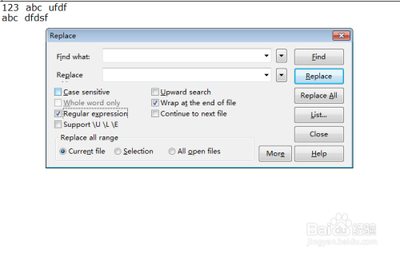
EditPlus的查找,替换,文件中查找支持以下的正则表达式:
| 表达式 | 描述 | | --- | --- | | \t | Tab character | | \n | Newline | | | Any of the enclosed characters may match the target character. For example, [ab] matches a and b | | [^] | None of the enclosed characters may match the target character. For example, [^0-9] matches any non-digit character | | * | Character to the left of asterisk in the expression should match 0 or more times. For example be* matches b, be and bee | | + | Character to the left of plus in the expression should match 1 or more times. For example be+ matches be and bee but not b | | ? | Character to the left of question mark in the expression should match 0 or 1 time. For example be? matches b and be but not bee | | ^ | Expression to the left of caret must occur at the beginning of the line | | $ | Expression to the left of dollar sign must occur at the end of the line | | () | Affects evaluation order of expression and also used for tagged expression |
EditPlus正则表达式替换功能强大,可以实现多种复杂的替换操作,如替换指定内容到行尾、数字替换、删除每一行行尾的指定字符、替换带有半角括号的多行、删除空行等。